 By Saurav Mehra
Digital banking has made managing money easier, faster, and more convenient. With the HDFC Bank app, customers can access various banking services directly from their smartphones without visiting a bank branch for every transaction. Whether you want to check your account balance, transfer money, pay bills, or review transaction history, the app offers several useful features in one place. The HDFC Bank mobile banking app is designed to make everyday banking simple and accessible.
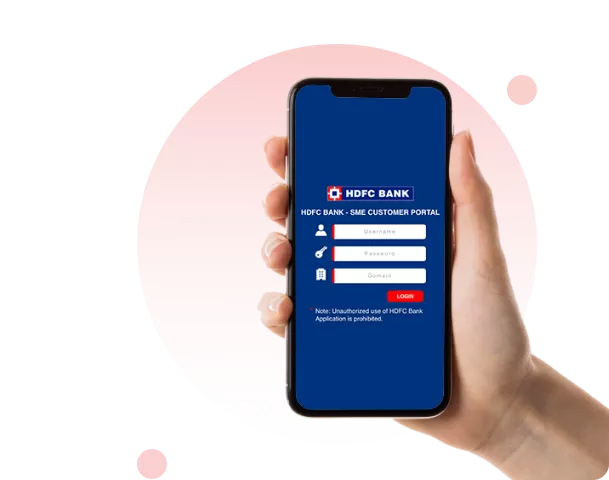
How to Download the HDFC Bank App
Downloading the mobile banking app is a straightforward process. Android users can visit the Google Play Store, while iPhone users can open the Apple App Store. Search for the official HDFC Bank mobile banking application and verify the publisher before installing it.
Once you find the official app, tap the Install or Get button and wait for the download to complete. Open the application after installation and follow the on-screen instructions to begin registration or log in using your existing credentials.
For security reasons, always download the app from an official app store or access it through the bank’s official website. Avoid installing applications from unknown links or third-party websites.
How to Register and Log In
New users may need to complete the registration process before accessing mobile banking services. Follow the instructions displayed in the application and provide the requested information. Depending on the registration method, you may need your registered mobile number, customer details, or other verification information.
Existing users can log in using the authentication methods supported by the app. These may include a password, PIN, or biometric authentication, depending on the device and application settings.
Never share your banking password, PIN, OTP, or other confidential details with anyone. Genuine banking representatives should not ask you to disclose these security credentials.
Important Features of the HDFC Bank App
The HDFC Bank app provides access to several banking services that help customers manage their finances conveniently.
- Account Balance and Statements: Users can check their available balance, review recent transactions, and access account statements where supported.
- Money Transfers: The app allows eligible customers to transfer funds using supported payment methods, including applicable UPI and bank transfer services.
- Bill Payments and Recharges: Customers can pay eligible utility bills, recharge mobile connections, and manage other supported payments through digital banking facilities.
- Card Management: Depending on the services available, users can view card information, manage certain card settings, and monitor transactions.
- Banking Services: Customers can explore available deposits, service requests, and other banking facilities without always needing to visit a physical branch.
Benefits of Using Mobile Banking
One of the biggest advantages of mobile banking is convenience. Customers can access banking services from home, at work, or while travelling, subject to internet connectivity and service availability. Digital transactions can also reduce paperwork and save time.
The application helps users monitor their account activity regularly, making it easier to identify unfamiliar transactions and manage everyday expenses. Notifications and transaction records can further improve awareness of account activity.
Tips for Safe Digital Banking
To use mobile banking securely, keep your phone and application updated. Use a strong screen lock, avoid public Wi-Fi for sensitive transactions, and never click suspicious banking links. Always verify payment details before confirming a transfer.
If you notice an unauthorized transaction, contact HDFC Bank through its official customer support channels immediately.
Conclusion
The HDFC Bank app makes digital banking more convenient by bringing essential banking services to your smartphone. From checking balances to making payments and reviewing transactions, it helps customers manage their accounts efficiently. By downloading the official application and following basic security practices, users can enjoy a smoother and safer digital banking experience.
Bring the article closer to 500 wordsAdd a clear step-by-step usage guide
 Subhash Kumar
[…] An investor’s entrance to the application should be highly secured and complex. Before granting access, a potential user should look through the available security features. One should be able to add a biometric password such as Face ID or a fingerprint to unlock the app. […]